Zennio GetFace IP Video Intercoms
31 models in 69 versions
Basic units (door station)
(1)
Door station modules
(10)

ZVPRFBT
Bluetooth and RFID reader module
13.56 MHz cards plus smartphone via Bluetooth (2N Mobile Key app), up to 10 m

ZVP-INOUT
I/O module
2 relays 30 V / 1 A and 2 inputs in addition to the basic unit's, plus a tamper input


ZVP-INFOP
Infopanel
Backlit sign: visitor information printed on a plastic foil


ZVPRFSMNV2
RFID smart card reader (cards not included)
13.56 MHz cards (Mifare, DESFire, etc.), reads the card serial number only

ZVP-TOUCHD
Touch display
Touch screen: image slideshow, virtual keypad or virtual phone directory

ZVP-VIGM
Vigik module
Vigik card reader on its own 12–30 VDC or 12–24 VAC supply, wired to a basic unit input
Surface mounting: frames and backplates
(3)
ZVP-BPLA1
Surface installation, Backplate, 1 module
Under a ZVP-CB frame, the modules fix to it; for an uneven wall or a glass surface
Modules

ZVP-CB1M
Surface installation, Frame, 1 module
Front frame over the modules, fixed with an Allen key; a ZVP-BP backplate goes beneath
Modules

Flush mounting: frames and boxes
(3)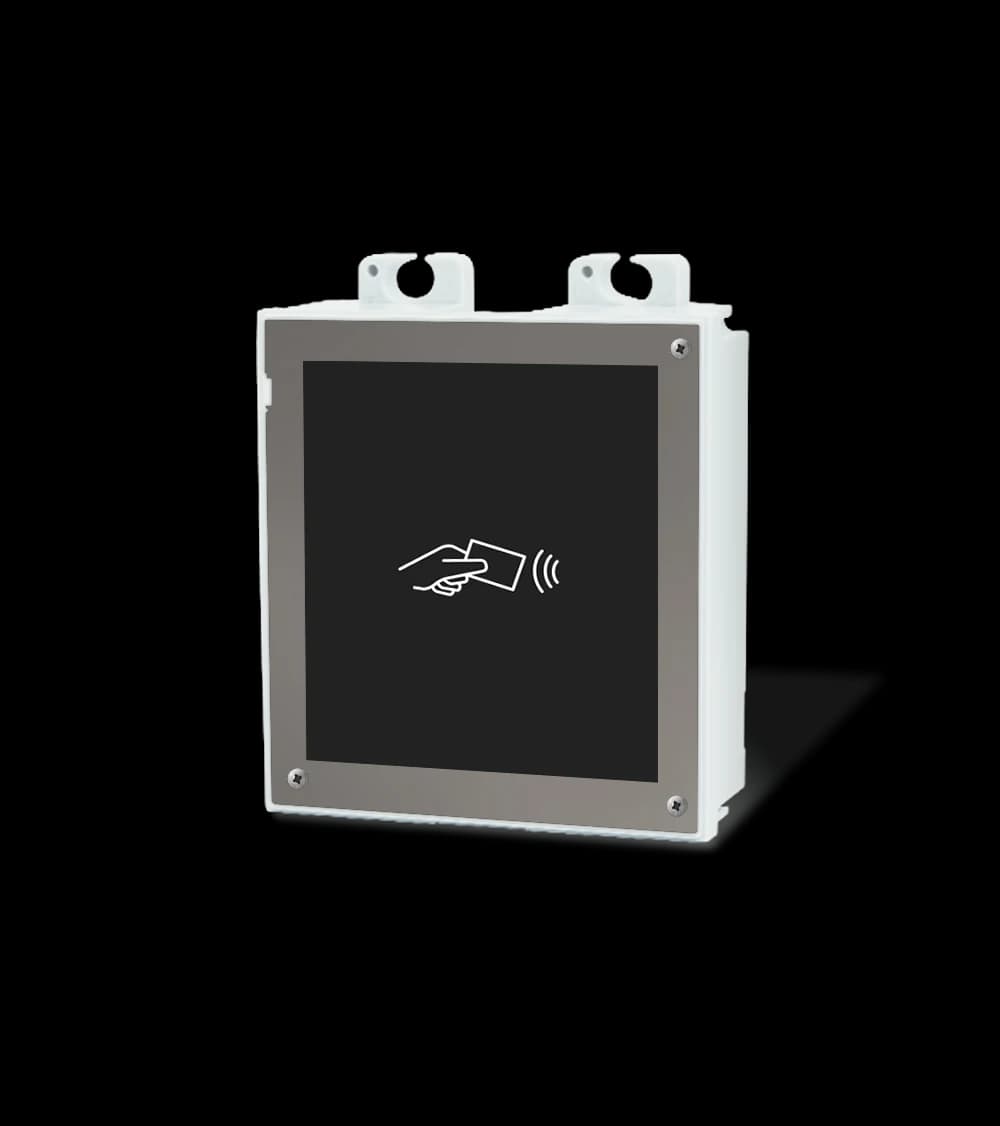

ZVP-FBOX1
Flush installation, Box, 1 module
Box set into a wall or drywall, under a ZVP-FFRA frame of the same size
Modules

Locks, relays and door sensors
(5)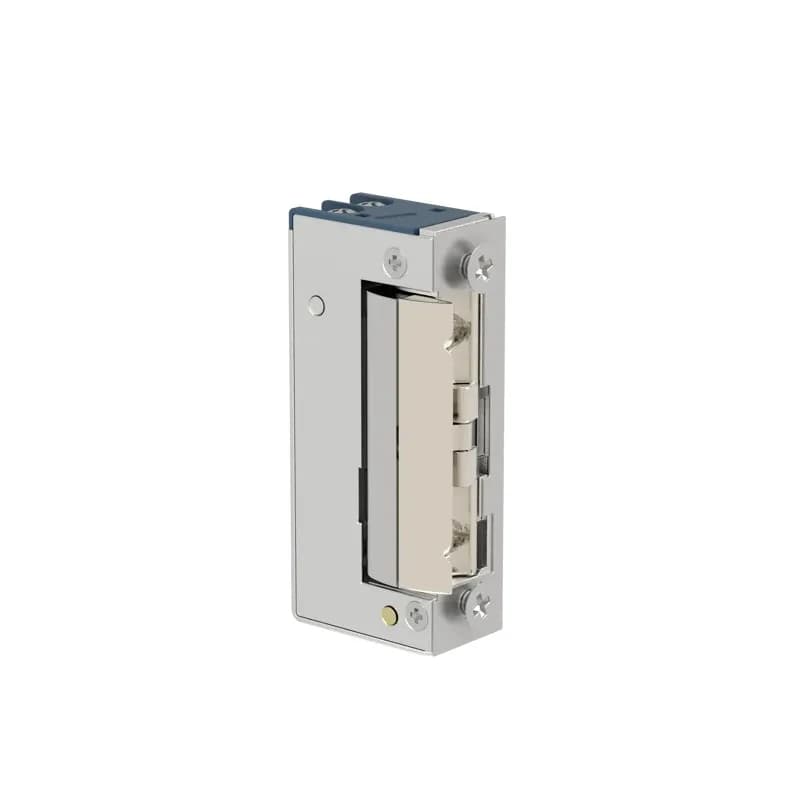

ZVP-ACSR
Security relay
Sits between the unit and the lock: switches only on a valid code from the unit

ZVP-ACTAM
Tamper switch
Two contacts open when the front frame is removed: to a security panel or KNX
Network and power
(7)
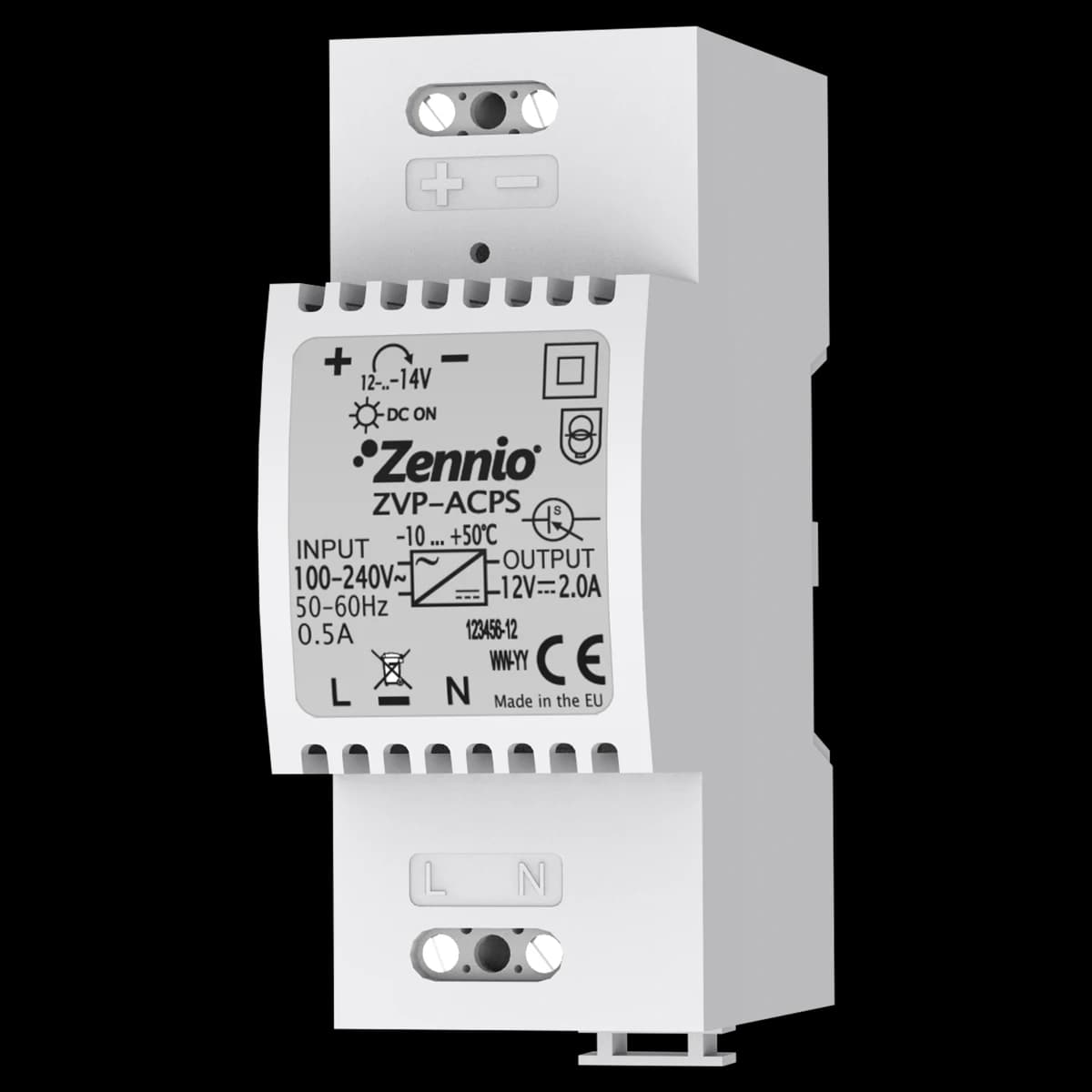
ZVP-ACPS
Power Supply 12VDC (out) 2A/ 110-230VAC (in)
For the basic unit's 12 VDC input when PoE is not used; 2 A, DIN rail
RFID cards and key fobs
(2)Mounting and accessories (19)Back boxes, terminals, adaptors, licences and spare parts of this section. They are not cards of the grid — each has its own page.
- ZVPPCSBGetFace IP — Parts for converting a basic unit from nickel, black
- 8500002ZenCom app License, Valid for 5 years
- 8500018Documentation and basic programming for single home video intercom project
- 8500019Additional programming of up to 4 more GetFace IP units with respect to 8500018 (**)
- 8500020Additional programming of up to 3 more GetFace IP and 8 more indoor units with respect
- 8500021Additional programming of up to 2 more GetFace IP and 16 more indoor units with respect
- 8500022Additional programming of up to 1 more GetFace IP and 24 more indoor units with respect
- 8500023Additional programming of up to 16 more indoor units with respect to 8500018 (**)
- 8500024Documentation and basic programming for video intercom project in residential building
- 8500025Additional programming of up to 10 more apartments with respect to 8500024 (**)
- 8500026Additional programming of up to 1 more GetFace IP unit and 5 more apartments
- 8500027Additional programming of up to 3 more GetFace IP units with respect to 8500024 (**)
- 8500029Programming of up to 10 apartments without Zennio network
- 8500030Programming of up to 3 outdoor units GetFace IP without Zennio network
- 8600002GetFace IP — Microphone (spare part)
- 8600003GetFace IP — Camera plastic cover (spare part)
- 8600004GetFace IP — Basic unit button (spare part)
- 8600005GetFace IP — Top fixture for flush frame (spare part)
- 8600006GetFace IP — Bottom fixture for flush and surface frame (spare part)
ZENNIO GetFace Video Intercom: section overview
This section holds 31 models of the modular Zennio GetFace IP door-entry system. The core is the outdoor station base module, with or without a video camera, extended by functional modules: a keypad, a touch display, an info panel, 5-button call extensions, RFID and Bluetooth/RFID readers, a Vigik module, an I/O module, an Induction Loop for hearing aids and a tamper switch. For surface mounting there are 1–3 module frames and backplates plus 2 × 2, 2 × 3 and 3 × 3 module backplates, and for flush mounting 1–3 module frames and boxes; frames come in two colours. The actuation side offers 12 V electric locks in six variants (including failsafe and hold-open), a transformer, a magnetic door contact, a 12 V DC, 2 A power supply and a 15 W PoE injector: the base module takes PoE 802.3af, class 0. The section also includes network switches, Mifare Classic 1K RFID cards and fobs, 1–5 m extension cables and licences. Calls are answered on Zennio Z50, Z70 v2 and Z100 panels with the Video Intercom licence, or on a smartphone with the ZenCom App licence.
Frequently asked questions
What makes up a GetFace entry station?
A base module (with or without a camera) plus add-on modules — keypad, display, call buttons, RFID/Bluetooth readers. The modules fit a 1–3 module frame for surface or flush mounting; for surface mounting there are also 2 × 2, 2 × 3 and 3 × 3 module backplates.
Where is the intercom call answered?
On Zennio Z50, Z70 v2 and Z100 touch panels: the station's video and audio appear on the smart-home control panel with the separately sold Video Intercom licence (8500007 or ZLIC70VPBX). Calls can also be answered and the door opened from a smartphone, which needs the ZenCom App licence (8500002).
How do I open the door without a key?
The ZVPRFSMNV2 RFID reader reads the serial number of MIFARE Classic 1K/4K, DESFire EV1 and other cards, while the ZVPRFBT Bluetooth/RFID reader also handles secured MIFARE DESFire EV2/EV3 cards and smartphones through the 2N Mobile Key app (Bluetooth 5.0 BLE, Android 8.0+, iOS 14.0+). The door can also be opened with a code on the keypad or a button on a Zennio panel; 12 V electric locks come in six variants.
How to buy Zennio GetFace IP door entry in Kazakhstan?
We are the official Zennio distributor in Kazakhstan and deliver equipment nationwide; it carries the manufacturer's warranty. Request a quote via the contact page or the specification configurator on this site.